


Forces you out of bed
Makes dismissal physical
The only alarm that forces you out of bed.
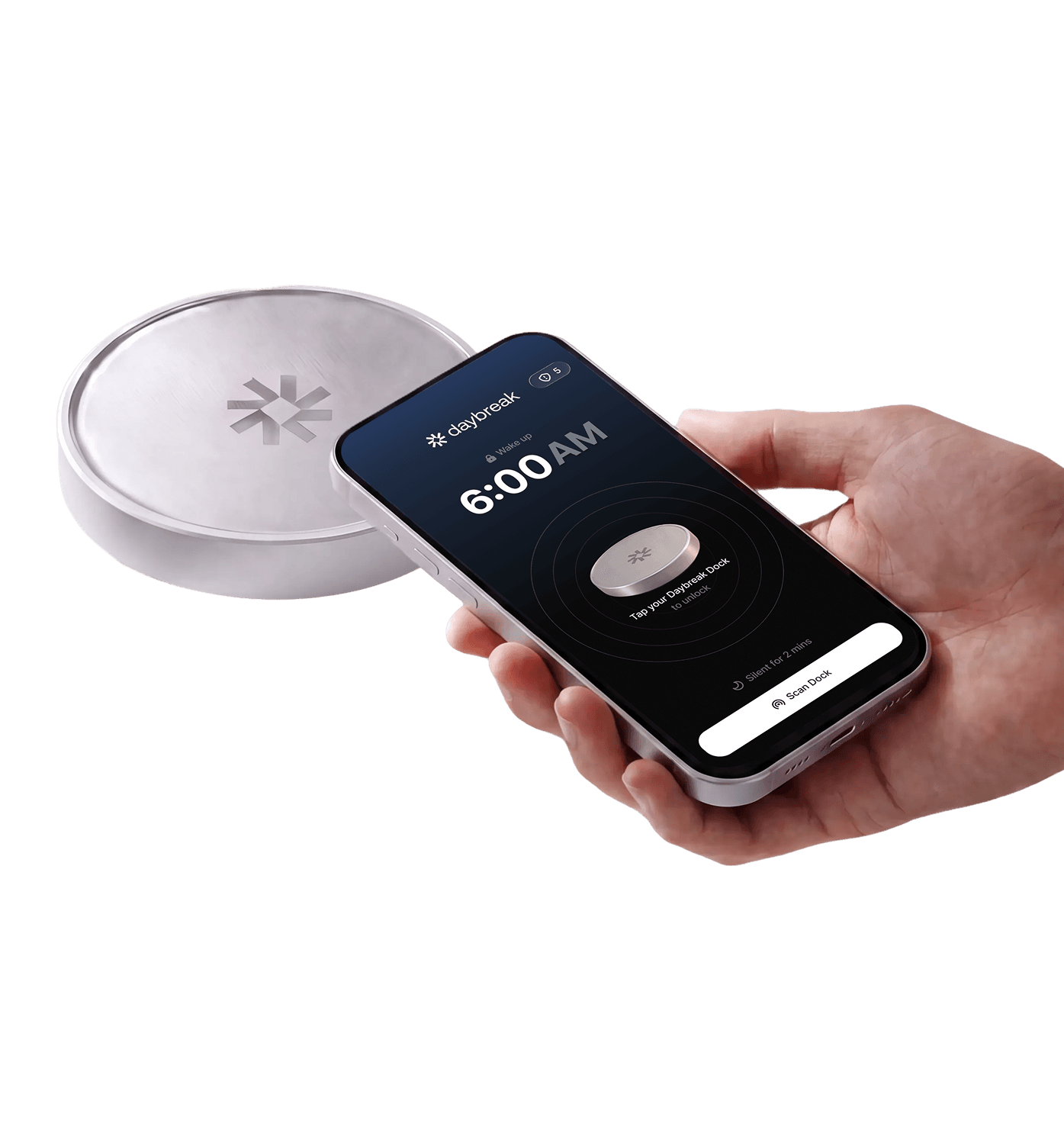
Walk to it. Scan it. Alarm stops.
 Forces you out of bed
 Blocks morning doom scrolling


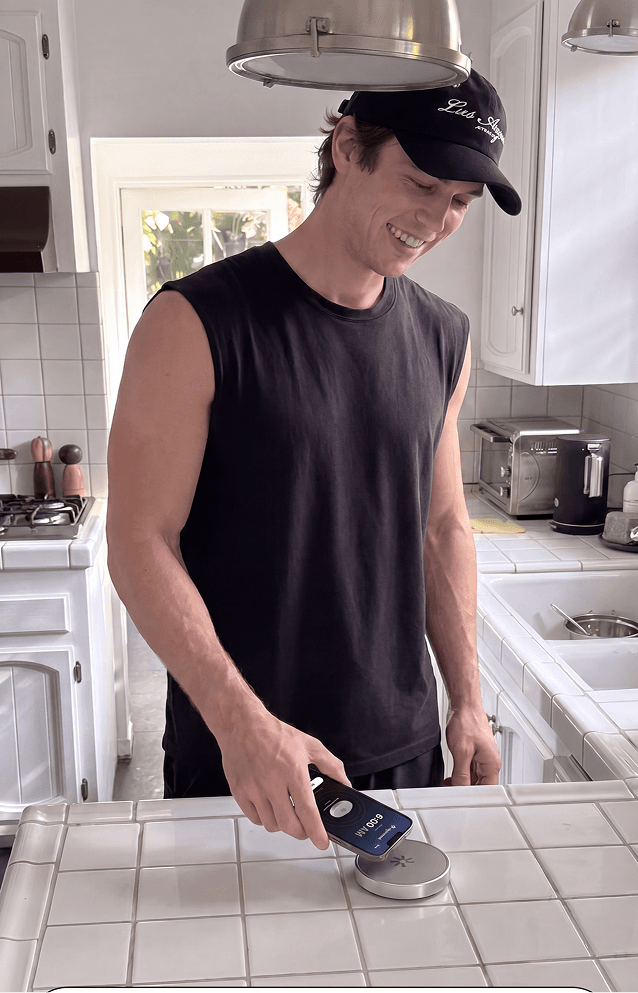
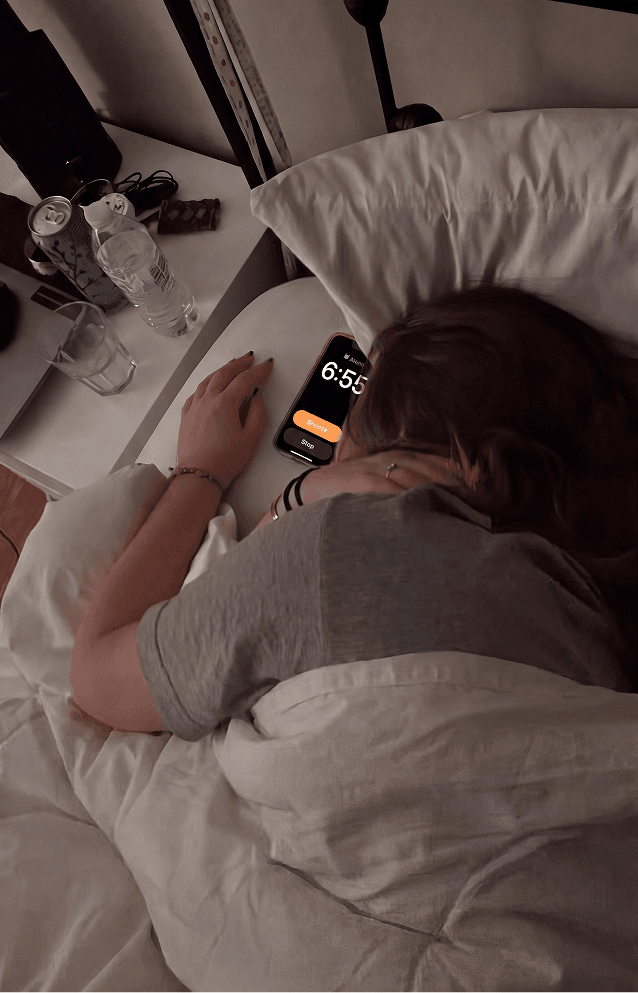
Snoozing feels like a small win, but it trains your morning around delay. Every tap makes the alarm easier to ignore, so you start the day already behind.
A stack of backup alarms usually means you no longer trust the first one. The sound becomes background noise and your sleep gets chopped up.
When your phone is the first thing you touch, you start the day on everyone else's priorities. A quick check turns into lost time and mental clutter.
Sleeping through an alarm hits hard because the failure happens before you are even conscious. You wake up jolted, already calculating what you missed.
No questions asked.
Makes dismissal physical
No easy bedside snooze
Wake up to a tone you choose
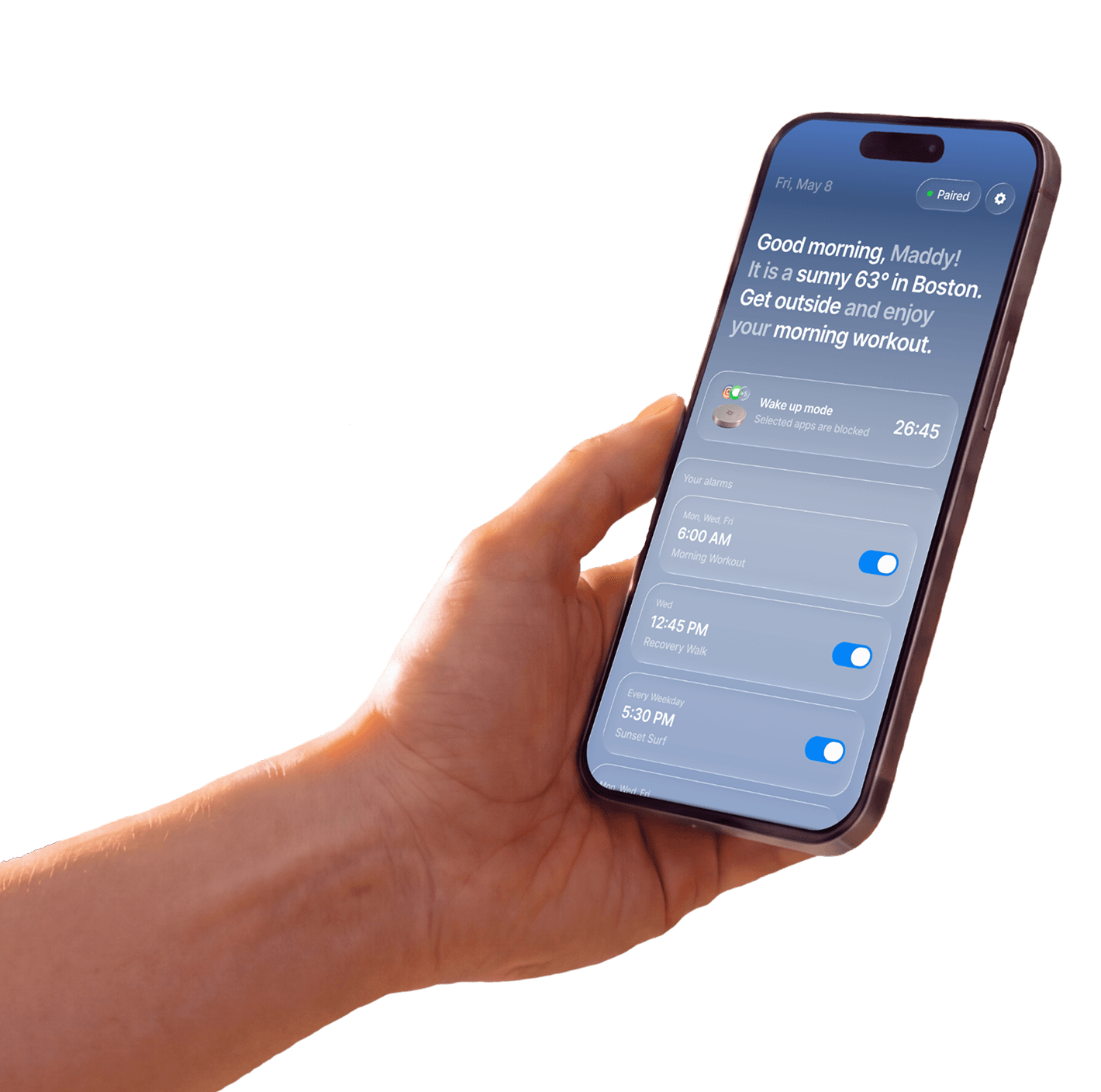
Keeps distracting apps locked
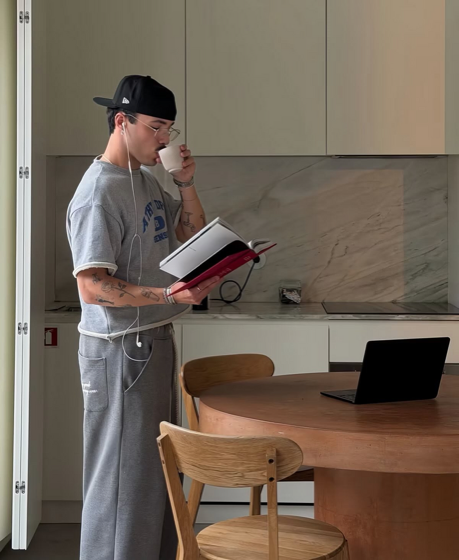
“I used to wake up and immediately check TikTok. Now I scan the Dock and I am already standing.”
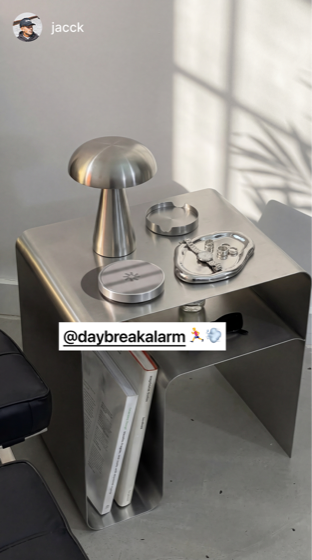
“It sounds dramatic, but my 8 a.m. class stopped feeling impossible after like three days.”

“I put the Dock by my gym bag, so turning it off basically starts my workout.”
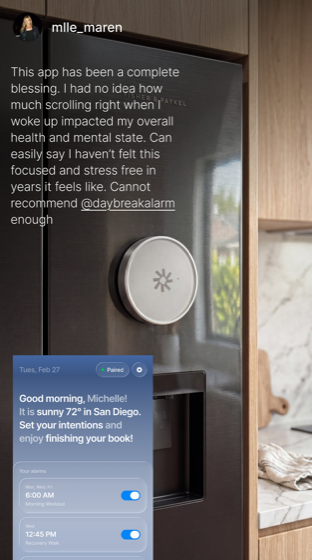
“My phone stays across the room, and that alone saved my mornings.”
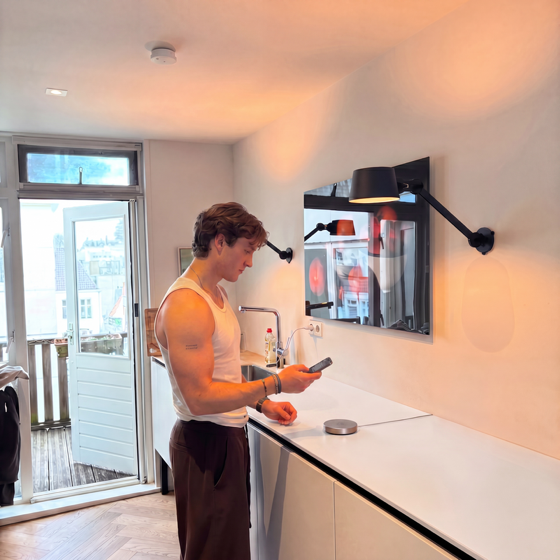
“I do not negotiate with five alarms anymore. I get up, scan, and move.”

“I bought it because I was always late to work. Now I have time for coffee before I leave.”
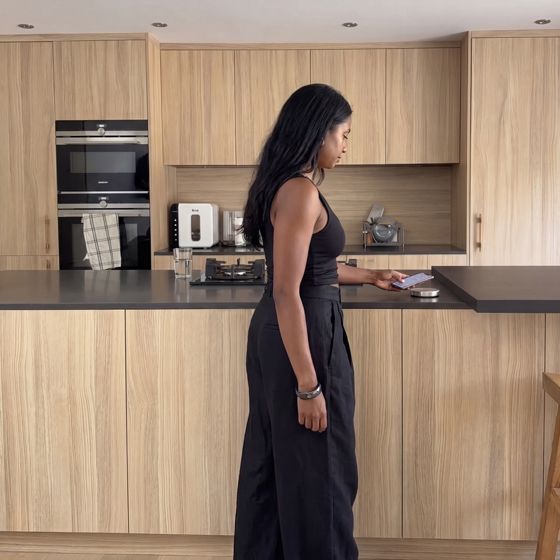
“The app lock keeps me from opening Instagram half asleep, which was the whole problem.”
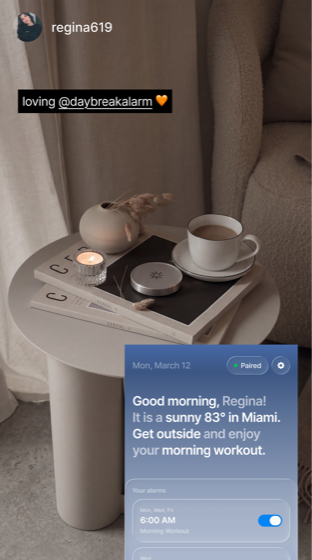
“I can still sleep in when I choose to, but I stopped accidentally losing an hour.”
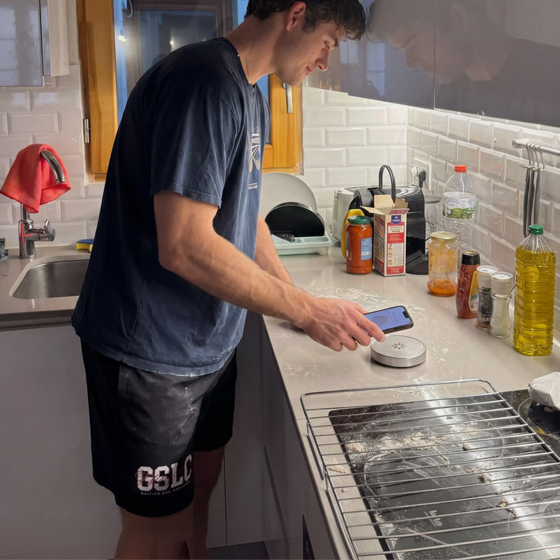
“My roommates noticed I stopped snoozing before I did. That sold it for me.”
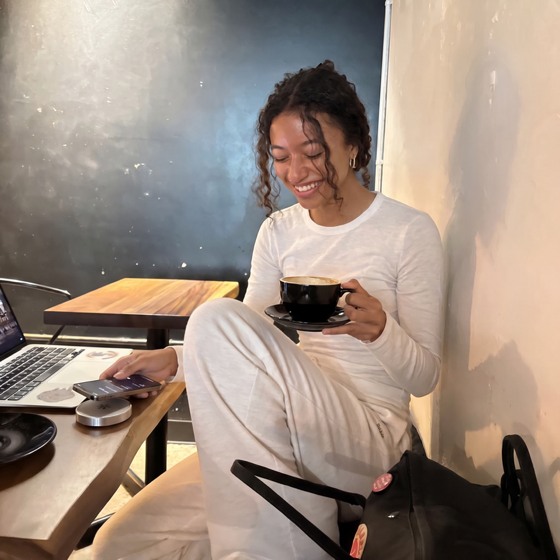
“Two Docks made it stick. One at home, one at my desk, no excuses.”
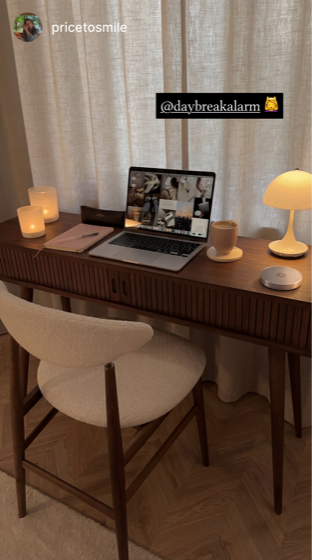
“The first week felt weird. Then waking up without scrolling became normal.”
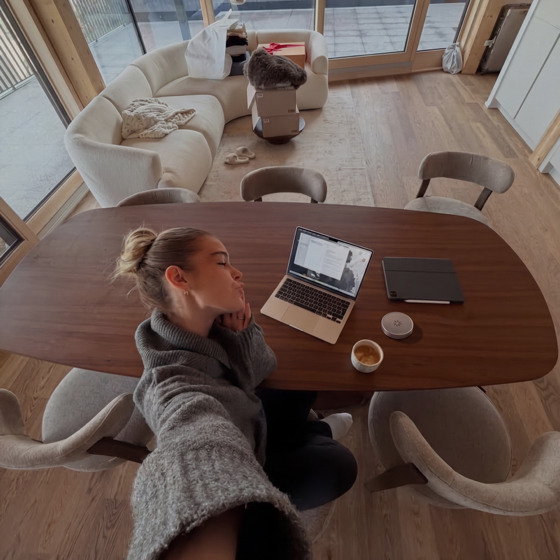
“I wanted something simple that actually changed my behavior, and this did.”
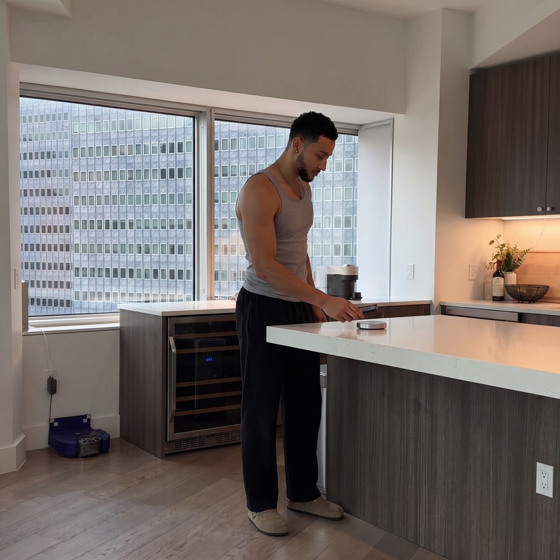
“I am up faster, less rushed, and not starting the day annoyed at myself.”
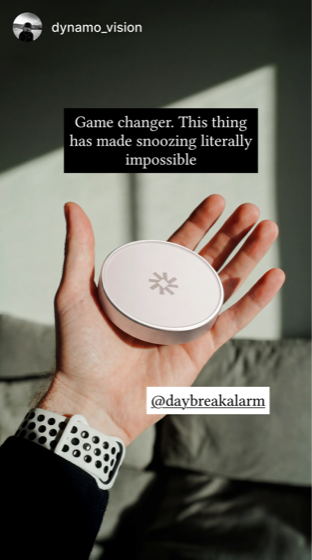
“My phone used to win every morning. Now it is not the first thing I touch.”
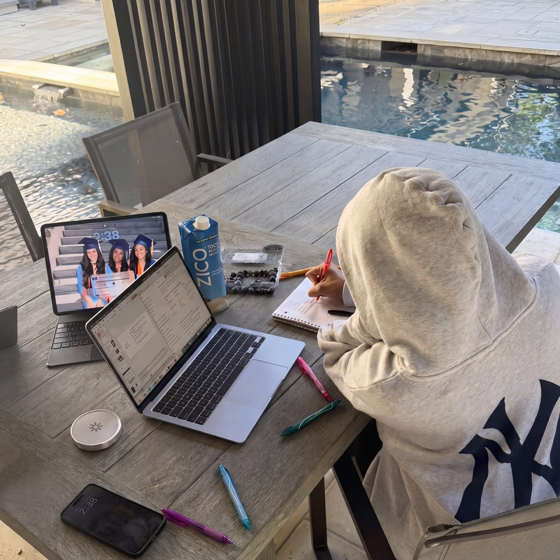
“Setup took a minute, but the routine change was immediate.”
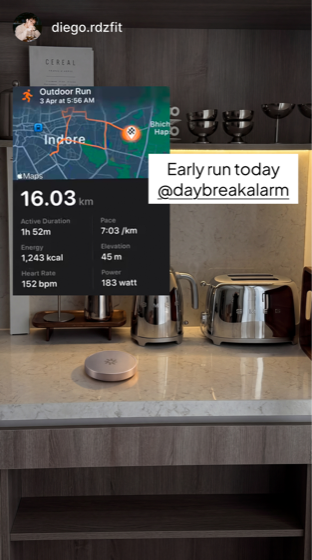
“I wake up, hit the Dock, and I am out of that half-asleep scroll spiral.”

“It made early lifts way easier because I have to get moving before I think about it.”
Built for optimizers and deep sleepers.
 1
1Step 1
 2
2Step 2
 3
3Step 3
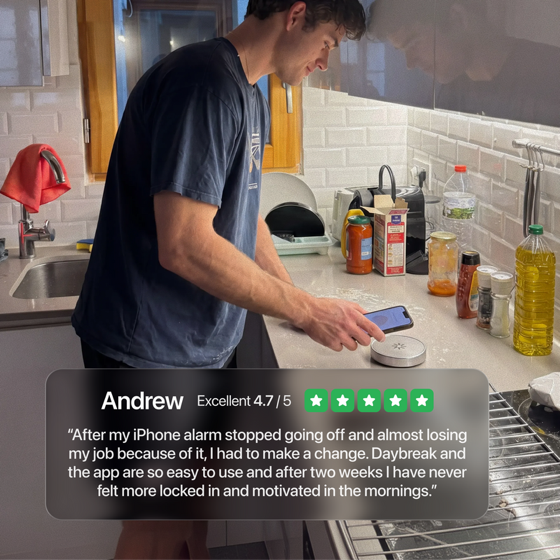
Daybreak Wake-up mode blocks your most addicting apps that you choose for the first 30 minutes of your day freeing you from the snooze-scroll loop and morning anxiety.


